You know that feeling. You craft a prompt, hit enter, read the output, and... it sounds like a corporate brochure wrote itself.
Something’s off. You can’t name it. You know if you publish it, your smartest colleagues will quietly assume an AI bot wrote it.
That’s the AI fingerprint.
Every LLM leaves one. Here’s one I grabbed from Claude. No instructions, raw request:
“In today’s rapidly evolving landscape, marketing teams must leverage AI-powered tools to unlock unprecedented efficiency. By harnessing cutting-edge capabilities, organizations can seamlessly streamline their workflows and empower team members to achieve transformative results.”
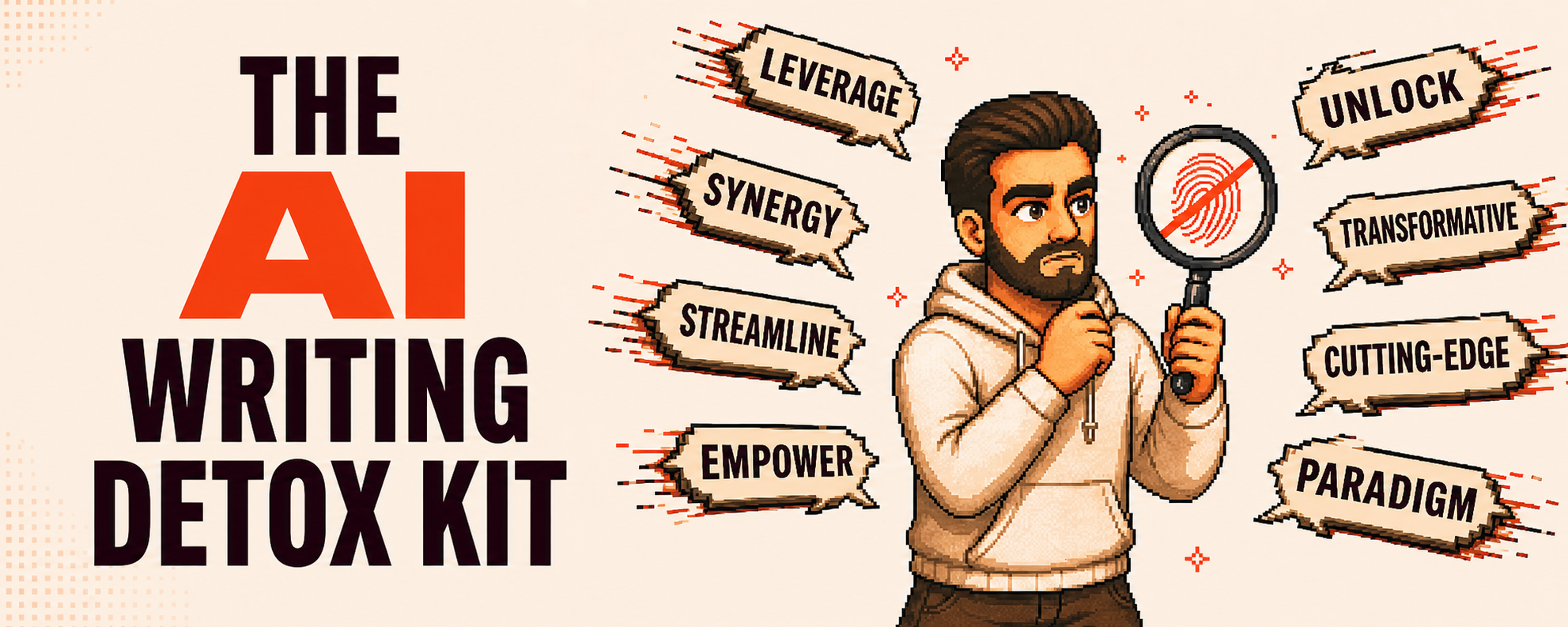
“Landscape.” “Leverage.” “Unlock.” “Unprecedented.” “Harnessing.” “Cutting-edge.” “Seamlessly.” “Streamline.” “Empower.” “Transformative.” Ten red-flag words. Two sentences. Says absolutely nothing.
After I applied my AI Writing Detox:
“Many marketing teams got their AI licenses six months ago. The tools sit there. People try a prompt, and get a weird result, go back to the old way. Nobody taught them how to actually use it in their actual work.”
Same idea. Sounds normal now. No AI fingerprint. Works for any professional writing: marketing copy, investor updates, job descriptions, sales follow-ups. Same patterns everywhere.
Why LLMs all sound the same
LLMs learn from billions of pages of text.
They absorb statistical patterns and gravitate toward the average. The average of the internet’s professional writing is, let’s say, corporate mush, to be polite.
“Delve,” “leverage,” “unleash” appear everywhere in business writing. For years.
LLMs reach for them because they’re statistically popular, not because they’re good.
Same with structures: “It’s not X, it’s Y” (dominant in LinkedIn and TED talks), three-item lists, “Furthermore” as sentence openers. The model doesn’t know these sound robotic. It just knows they’re common.
Then the em dash situation.
Late 2024, early 2025, AI text was packed with them. Became a litmus test.
I used to love em dashes. For real. Can’t use them anymore. Every reader’s AI detector fires when they see one.
That’s the collateral damage. AI overused patterns so aggressively they’re burned for humans too.
You remove perfectly legitimate words from your vocabulary because a machine made them suspicious.
3 blocks, 1 time setup
I train marketing, sales, and HR teams on AI. 1,500+ people this past year.
The most common complaint: “I used Claude, but it sounds like AI.”
My fix: give AI your constraints before it writes.
You don’t polish slop. You prevent it.
These are the 3 blocks I paste into every system prompt:
1. A banned word list. Including the 25 worst offenders:
delve, leverage, synergy, optimize, streamline, empower, innovative, groundbreaking, transformative, utilize, landscape, harness, unlock, unleash, seamless, cutting-edge, game-changer, paradigm, unprecedented, elevate
(The full list has 80+. Vibe subscribers get all of them with plain-language replacements.)
2. A structural pattern ban. I tell the AI to never use:
- “It’s not X, it’s Y” binary reframes
- “Furthermore / However / Moreover” as sentence openers
- “In this article, we will explore...” meta-commentary
- vague closings, item-lists …
3. A tone instruction. “Be professional” triggers corporate fluff. Be specific.
Example, Same AI, same topic, two prompts:
Generic: “Write a professional paragraph about our Q3 hiring plan.”
“As we navigate the evolving talent landscape, our Q3 hiring strategy leverages data-driven insights to attract top-tier candidates and foster a robust pipeline aligned with our organizational growth objectives.”
Specific: “Write like a VP sending a quick Slack to the exec team. Direct, no fluff.”
“We’re hiring 12 people in Q3, including six engineers, four sales, two ops. Pipeline looks solid for engineering but Sales is tight. We are testing a new sourcing channel in July.”
The constraint did the work. Here’s a starter prompt:
CONSTRAINTS: Never use these words: delve, leverage, synergy, optimize,
scalable, robust, streamline, empower, innovative, groundbreaking,
transformative, utilize, vibrant, landscape, harness, unlock, unleash,
seamless, cutting-edge, game-changer, paradigm, unprecedented, elevate. STRUCTURAL BANS: No "It's not X, it's Y" binary reframes. No em dashes.
No "Furthermore/However/Moreover" at start of sentences. No "In this
article" or "In conclusion." No vague endings. No three-item lists when
fewer items work. TONE: Write like a smart practitioner sending a quick update to a
colleague. Direct. Vary sentence length. Skip fluff. Use "I" and "you."
Simple verbs: "use" not "utilize," "show" not "showcase."
The 20% only you can do
Clean and generic is still generic.
Constraints remove the AI smell. They don’t add yours. 80% come from the “AI writing Detox”. YOUR 20% is what makes content real.
When I first built this, I got (too) confident.
Published short stuff (LinkedIn comments, Substack notes) barely glancing at them.
Went back weeks later. Full of the exact patterns I thought I’d killed. Constraints catch the loud stuff. They miss the subtle stuff. I learned it the hard way.
What only you can add:
Context.
This is what I teach with corporate teams, context is key. “Write about AI adoption” = slop. “Write about why 64% of teams with AI licenses aren’t using them, based on what I see training enterprise teams every week”= something relevant.
Your voice DNA.
Words you reach for, words that don’t sound like you, how you open and close, sentence rhythm. 20 minutes to build. Paste alongside constraints.
Tip💡: use AI to ask you a series of questions to define your voice DNA. Then turn the answers into a voice dna.md file you can reuse.
Stories and a take.
AI hedges with “on the other hand...” I don’t. That meeting where nobody wanted to admit the tool wasn’t working?
The client question that changed how you see the problem? No prompt generates these. Your readers want your take, not a balanced summary.
Set it up in 15 minutes
Here is a quick way to implement the AI writing Detox and see results in most AI Assistants:
- Claude Projects:
Create a project, add your constraint files and voice DNA.
- Gemini Gems:
Create a Gem, paste constraints + voice profile.
Attach reference docs via NotebookLM (Google’s tool for grounding Gemini in your sources).
- Custom GPTs:
Create a custom GPT
paste the system prompt, upload reference docs.
- Claude Skill (advanced): Create a Claude skill with all the constraints as reference to automatically apply the AI Writing Detox to any content. This is the one I use the most
For Vibe subscribers: The AI Writing Detox Kit
A year of refining this. Hundreds of drafts. Client deliverables for 30+ companies.
The 90% of enterprise teams that invest in AI licenses who aren’t using them? This is why.
Their output sounds like AI, they’re embarrassed to publish, licenses sit there.
Inside the kit:
The 7 editing prompts.
40+ hours of testing to get these right, including:
- De-Slop Rewriter.
- AI Smell Detector (scores your draft 1-10).
- LinkedIn De-Templater.
- Newsletter Humanizer.
- Three specialized passes.
The full forbidden AI database with plain-language replacements.
No more staring at flagged words wondering what to write instead.
The voice profile builder. 8 sections, filled-out example included. Turns your habits into a system prompt in 20 minutes.
The 12-pattern structural checklist.
Before/after example for each pattern.
Ready-to-import setup files 10 minutes per platform to enforce the constraints. For Claude Projects, Gemini Gems, Custom GPTs + 🎁 tailored Claude Skills with pre-built SKILL.md files
Join the Vibe Members for full access + exclusive resources